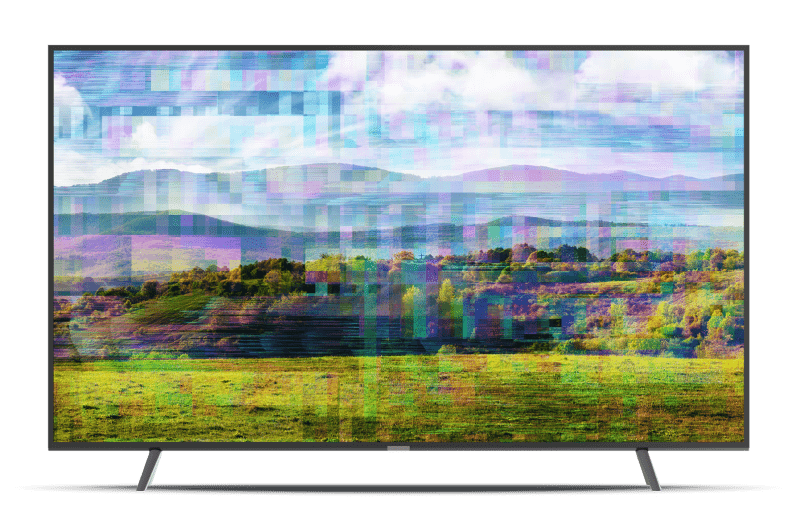
Is your DISH TV picture distorted? This problem is typically caused by an issue with the cable connecting the TV to the DISH receiver or an error in the DISH receiver. Try these steps to fix the issue.

2. Check TV to receiver connection
Identify the type of cable connecting your TV to the DISH receiver.
Make sure all cables are connected securely on the back of the TV and receiver. If any other equipment is connected between the TV and receiver, ensure these connections are secure as well.
3. Reset your DISH recceiver
Unplug the power cord of your DISH receiver (typically has a red tag) from the electrical outlet for 10 seconds, then plug it back in.
If you have a Hopper & Joey system, unplug the power cord of the Hopper (larger receiver).
The reset process may take up to 5 minutes to complete.
4. Contact us
If the steps above didn't resolve your issue, give us a call at 800-333-3474, or chat with an expert agent online.
 Your privacy choices