Remote not working? Usually some fresh batteries or pairing your remote to the device can resolve this issue.
Troubleshooting remote control
1
2
Reset the batteries
Remove the batteries for 10 seconds, then reinsert them.
Replace the batteries
Batteries should last about 6 months. If it's been longer than that, try replacing them.
Did this fix your issue?
3
Unplug the power cord of the primary receiver from the electrical outlet for 10 seconds, then plug it back in.
Allow up to 10 minutes for the device to reset.
Did this fix your issue?
4
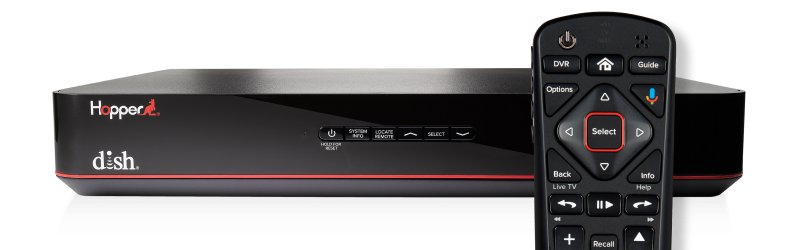
- On the front panel of your receiver, press the SYSTEM INFO button.
- For Joey 4 or Wireless Joey 4 devices, press the button on top of your receiver.
- On your remote, press the SAT button.
- For the 60.0 simplified remote, press the microphone button.
- Your remote will beep to confirm that it has paired.
Did this fix your issue?
5
If the steps above didn't resolve your issue, give us a call at 800-333-3474, or chat with an expert agent online.
 Your privacy choices